Design readable spaces
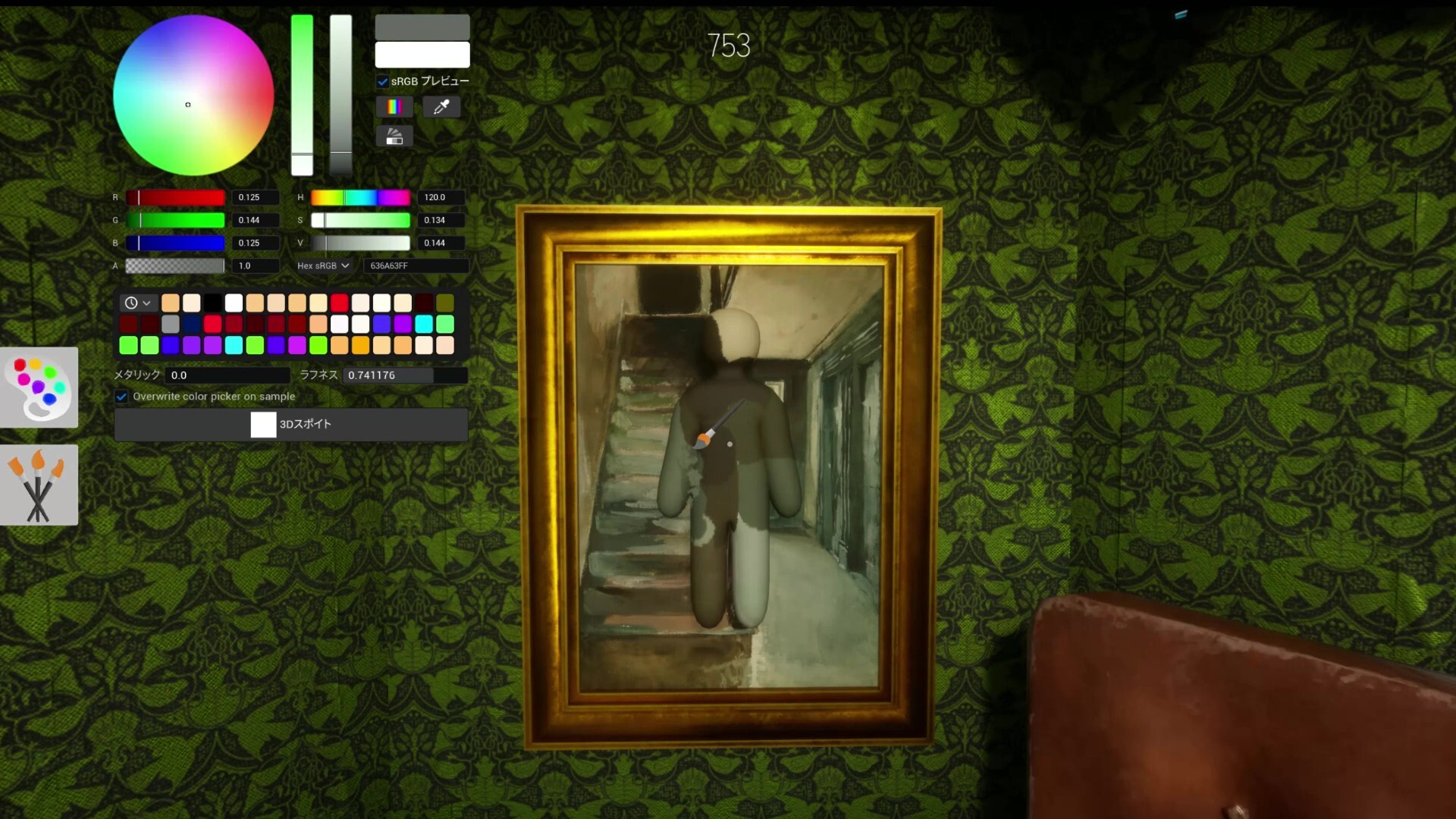
A good custom map gives Hiders enough texture to blend in while giving Seekers logical routes and visual clues.
Custom Maps
A creator-focused guide to planning Meccha Chameleon custom maps with fair hiding spots, readable search paths, and strong visual themes.
Official links
How to Create Custom Maps gives players a practical Meccha Chameleon answer, then routes them to the most relevant maps, role guides, Workshop notes, Steam checks, or troubleshooting steps.
A good custom map gives Hiders enough texture to blend in while giving Seekers logical routes and visual clues.
Too many props create noise; too few make hiding impossible. Test with multiple lobby sizes before sharing.
Add screenshots, creator notes, and recommended player counts so players understand the intended experience.
No. Meccha Maps DB is an unofficial companion site that points players toward Steam and community sources when official confirmation matters.
This page was last checked on Jun 20, 2026.
Use the related guides section to jump into maps, Hider tips, Seeker tips, and troubleshooting pages.
Use the Steam store, Steam Community, Steam Workshop, SteamDB, and official developer posts before relying on copied listings or reposted claims.
Each page is written to shorten the path from a player question to a practical action, such as choosing a map, joining friends, fixing a room issue, or checking platform support.