Game Basics
System Requirements
Meccha Chameleon system requirements and platform status: Steam listing, Windows support, network checks, Workshop notes, and what to verify before buying.
Quick Answer
Meccha Chameleon is sold on Steam, and SteamDB currently lists Windows as the supported system. Check the Steam store before buying for Steam Deck, Mac, Xbox, PS5, or any non-Windows setup.
Last checked: Jun 15, 2026 Unofficial fan guide
Official platform check
Use the Steam store as the purchase source and SteamDB as a quick technical cross-check. As of the latest check, SteamDB lists Meccha Chameleon as a Windows-supported Steam game, while Steam pages confirm the game identity, developer, public matches, streaming support, and Workshop activity.
What matters for playability
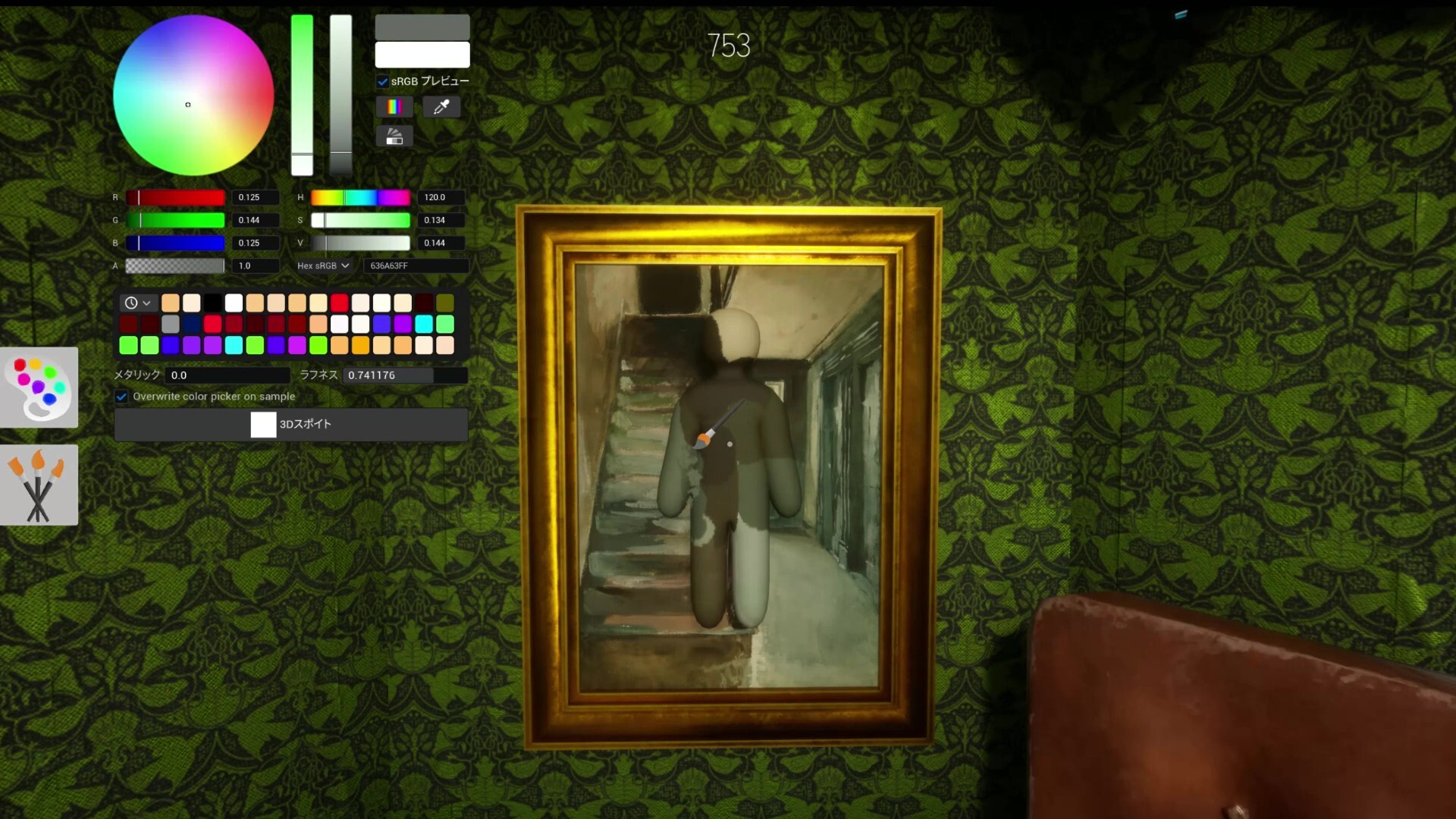
Meccha Chameleon is built around online rooms, painting, posing, and fast visual reads. Before blaming hardware, confirm the game is updated, Steam is online, invites work, and your connection is stable enough for 2-10 player rooms.
Non-Windows checklist
For Steam Deck, Mac, Xbox, or PS5 searches, do not treat short clips or reposted store mirrors as confirmation. Look for an official store listing, platform badge, or developer announcement before calling a platform supported.
Workshop and mods
Steam Workshop exists for Meccha Chameleon and includes original map content. If you plan to use custom maps, verify that every player can load the same map and game build before starting a lobby.
Before you buy
If your setup is outside confirmed Steam Windows play, buy only after checking current Steam status and keeping the refund window in mind. For group play, ask one player to test hosting, invites, and stage loading before everyone joins.