Platform Check

Steam Deck Support

Steam Deck support notes for MECCHA CHAMELEON, including compatibility checks, controller expectations, and when to use Proton guidance.

Quick Answer

Meccha Chameleon is a Steam game, but Steam Deck support is not verified by this page. Treat handheld play as a compatibility check: confirm the current Steam Deck status, then test paint precision, UI readability, network rooms, and controller comfort inside the refund window.

Last checked: Jun 20, 2026 Unofficial fan guide

Compatibility check

Use the current Steam compatibility badge and Steam community reports before buying for Steam Deck. This page does not confirm Steam Deck verification. Do not rely on old clips, storefront mirrors, or reposted claims for Steam Deck status.

Controls to test

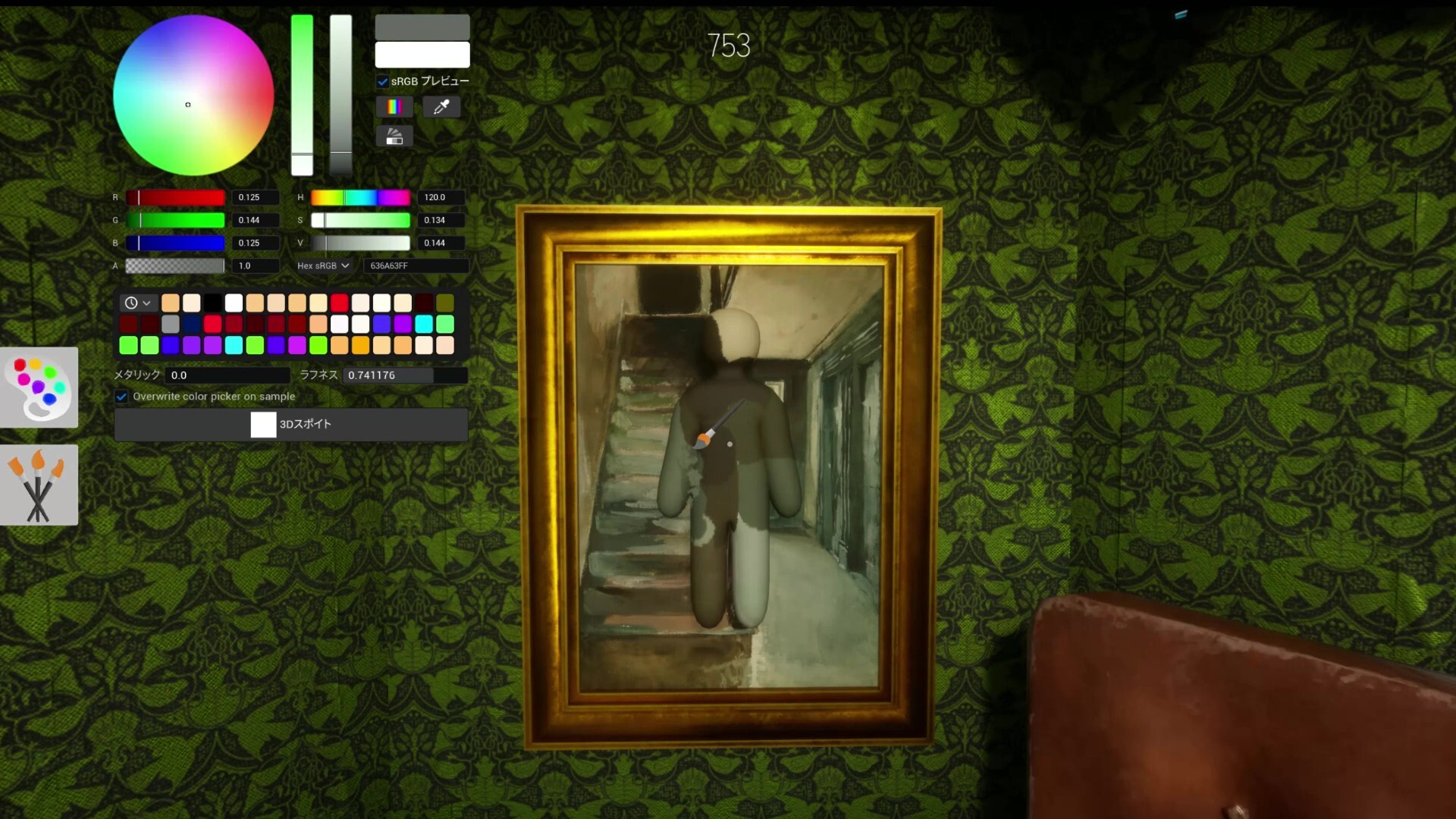
Painting needs precision, so test whether analog sticks, trackpad input, sensitivity, and UI scale feel comfortable before playing serious Hider rounds.

Best use case

Steam Deck may be most comfortable for casual private rooms. Competitive hiding-spot testing is easier when painting and camera control feel precise.

Multiplayer checks

Create a private room, accept a Steam invite, load a Workshop-style map if available, and play one full Hider and Seeker round before assuming handheld play is reliable.

Fix checklist

Problem: Steam Deck playability, controller behavior, or Proton compatibility needs checking.

  • Check the current Steam compatibility badge before claiming Steam Deck support.
  • Test controller prompts, paint tool precision, and UI readability in handheld mode.
  • Try Proton Experimental only after confirming the default launch path fails.
  • For map database work, record whether painting and pose controls are practical on Deck.
  • Restart Steam and confirm both players are on the same game build.
  • Use Steam invite first, then test public room discovery second.
  • Disable VPN or region routing if public rooms fail to refresh.
  • Verify game files after any version mismatch or connection loop.
  • Check Steam Community announcements before assuming a local issue.

Next Steps

Frequently Asked Questions

Is Meccha Chameleon Steam Deck verified? +

Not verified here. Check the current Steam Deck compatibility badge on Steam before buying, and do not treat handheld support as confirmed unless Steam or official notes confirm it.

What matters most on Steam Deck? +

Painting precision, camera control, UI readability, stable room discovery, and whether Workshop maps load comfortably matter more than just launching the game.

Can I play multiplayer on Steam Deck? +

If the game launches, still test private invites and public rooms, because Meccha Chameleon depends on Steam networking and matching game builds.

Should I use controller or trackpad? +

Test both. Hider painting benefits from precision, while Seeker movement and camera control need comfort during fast room sweeps.