What is the best way to paint in Meccha Chameleon? +
Match the largest visible color first, then add one shadow or pattern break. A clean silhouette matters more than tiny detail.
Should I copy the background exactly? +
No. Copy enough color and shape to pass a moving Seeker scan. Over-detailing can waste the hiding timer.
Which screenshots should I study first? +
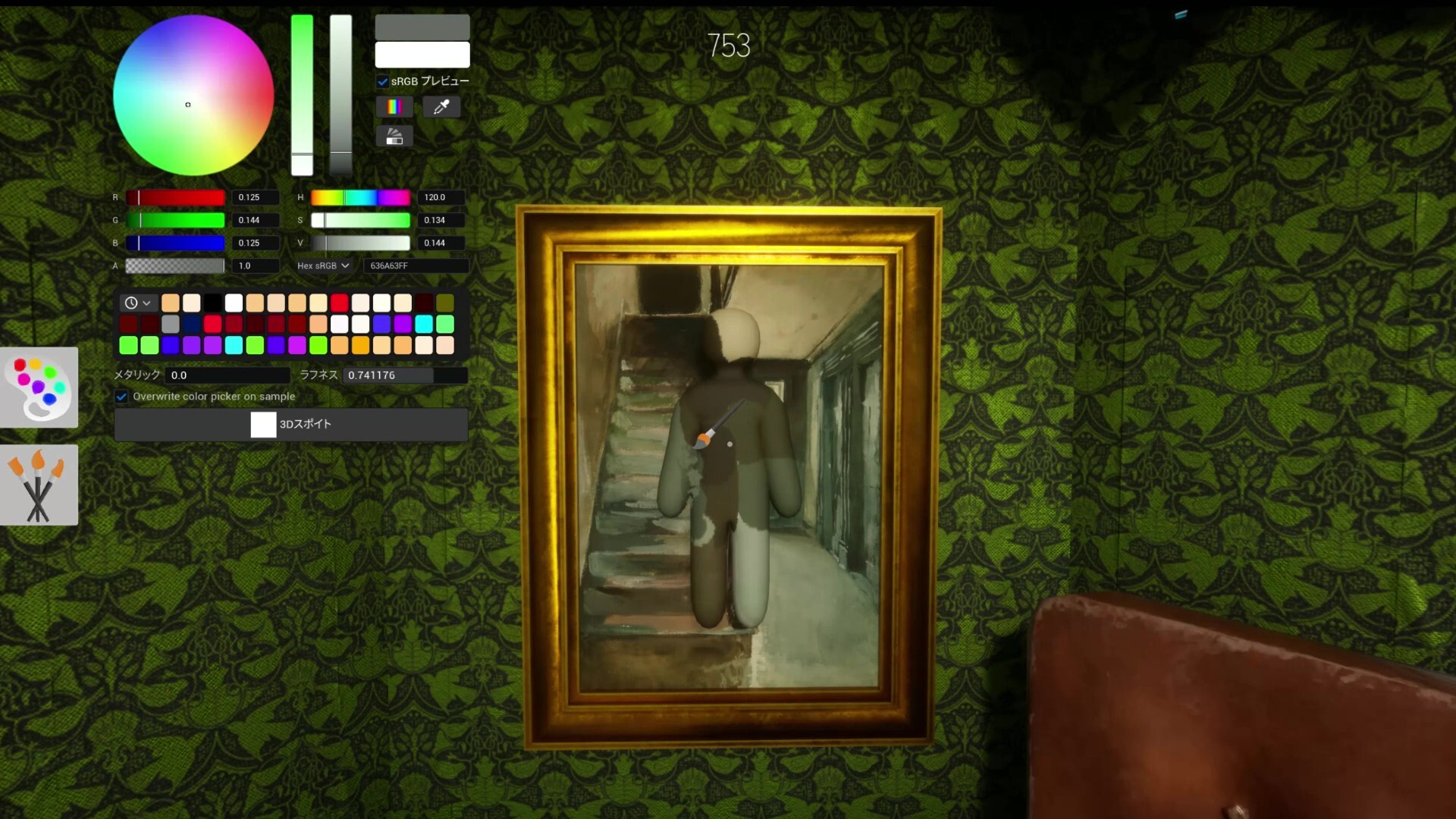
Start with Mansion Gallery, Indoor Country, Cold Storage, and Brick Loft because they show clear wall, prop, shadow, and shelf hiding logic.
How do Seekers counter painted Hiders? +
Seekers compare object scale, pose logic, repeated props, and edges where the body shape breaks the scene.
Does this page replace in-game testing? +
No. It gives a repeatable study workflow, but each hiding spot still needs lobby-size and map-route testing.