
Official status first
The safest answer comes from Steam platform flags, SteamDB supported-system data, and official announcements. Do not assume macOS support from viral clips, tags, or generic store mirrors.
Platform Check
Mac support status and workaround notes. Steam API currently reports Windows support, so treat Mac claims carefully.
Official links
Treat Mac support as unconfirmed unless Steam or the developer lists it directly. SteamDB currently reports Windows as the supported system, so Mac players should verify the live Steam page before buying or using any workaround.
The safest answer comes from Steam platform flags, SteamDB supported-system data, and official announcements. Do not assume macOS support from viral clips, tags, or generic store mirrors.
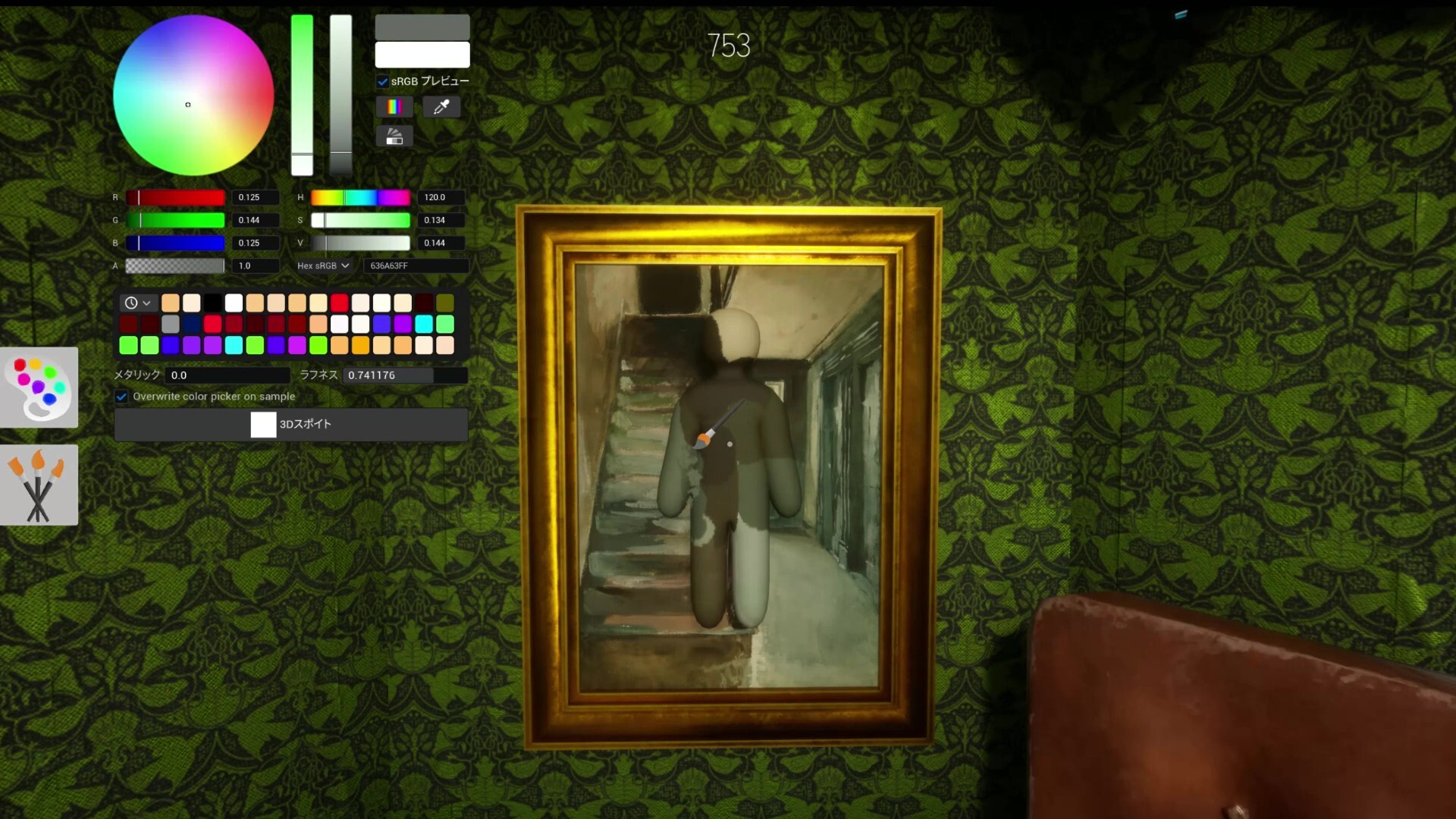
If players test compatibility layers, label those notes as unofficial and separate them from supported platforms. A workaround also needs multiplayer rooms, painting UI, updates, and Workshop content to behave correctly.
A real Mac release should appear through Steam, developer updates, or official community posts.
If you only have a Mac, verify the live Steam platform status and keep the refund window in mind. For group play, ask a Windows player to host first while you test whether invites and rooms are reliable.
Problem: Players search for Mac support, but official appdetails currently report Windows support.
Do not assume Mac support from clips or reposted pages. Verify the Steam platform flags and developer notes before buying for macOS.
Any compatibility-layer result should be labeled unofficial. It may launch for one player and still fail for rooms, Workshop maps, or updates.
The Steam store, SteamDB platform data, and official announcements are safer than generic store mirrors.
Check the live Steam page, read recent community reports, and avoid buying only for Mac unless current support is clear.