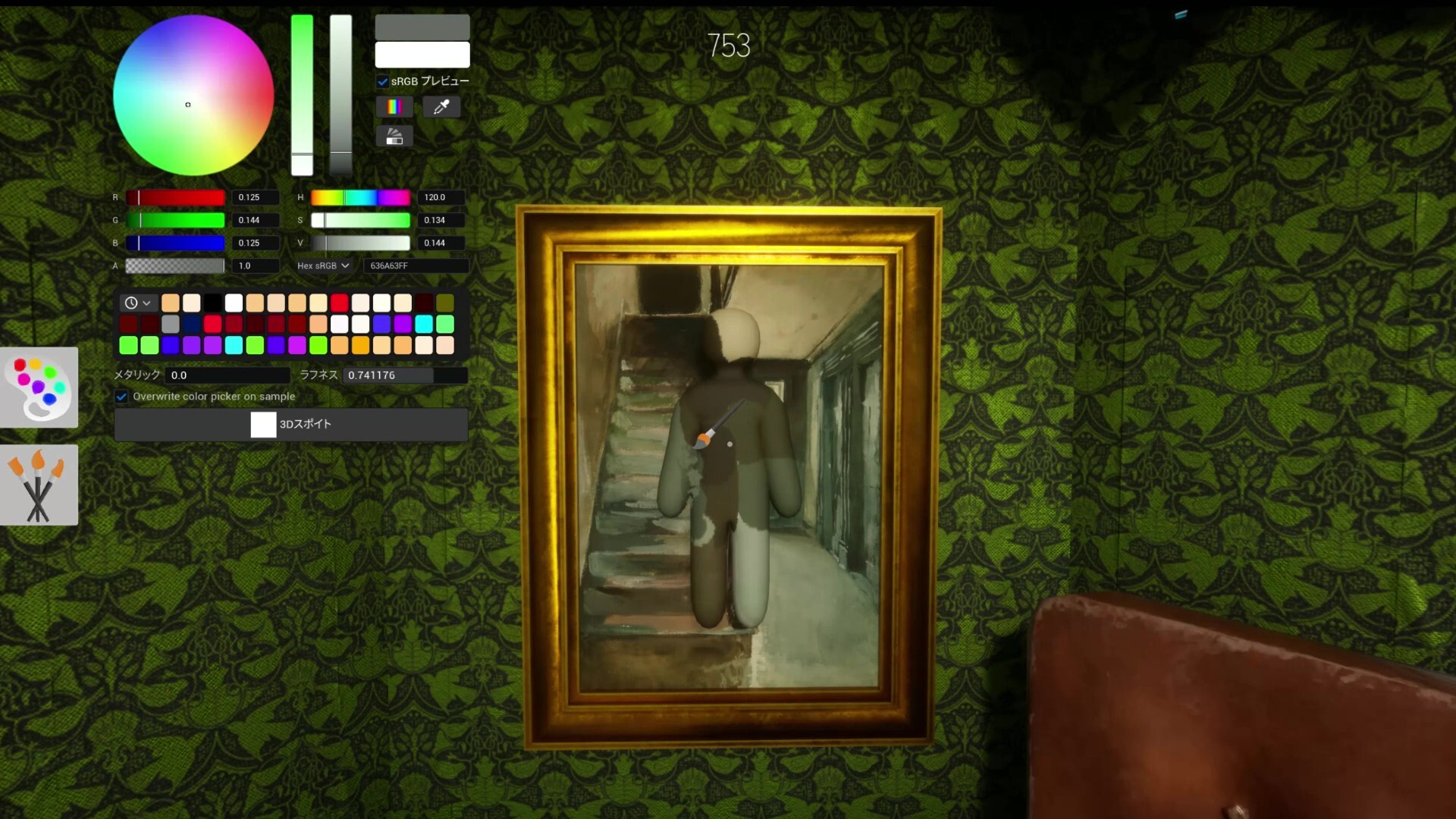
Subscribe through Steam
Open the Workshop item, click subscribe, and wait for Steam downloads to complete. Do not launch into a room while the item is still syncing.
Workshop Tracker
How to install Meccha Chameleon mods safely with Steam Workshop subscriptions, version checks, lobby testing, and fake-download warnings.
Official links
Install Meccha Chameleon mods through Steam Workshop when available: subscribe, wait for Steam to finish downloading, restart the game, then test the mod in a private lobby with every player on the same version.
Open the Workshop item, click subscribe, and wait for Steam downloads to complete. Do not launch into a room while the item is still syncing.
Restart Steam and Meccha Chameleon after subscribing. If the mod or map does not appear, verify files and check whether the creator updated the item for the current game build.
Create a private room with one friend before a full group. Confirm map loading, roles, spawn points, and whether every player sees the same content.
If installation fails, record map name, Workshop URL, game build, Steam download state, and whether the problem affects only one player or the host.
Open the official Workshop to subscribe to maps and check the newest creator uploads.
Map gallery Workshop Maps ListBrowse custom maps with hiding ideas, Seeker checks, player-count notes, and source links.
Mods guide Mods HubFind safe mod and custom-map install notes before joining a lobby with friends.
Open the official screenshot maps with thumbnails, pinned hiding spots, role notes, and Seeker checks.
Use Steam Workshop subscriptions first. Subscribe, let Steam download, restart, and test in a private room.
Steam may not have finished downloading, the game may need a restart, or the lobby may be using a different build.
Only use manual files from trusted creators, and keep them separate from the safer Workshop workflow.
Yes. For custom maps or gameplay-changing content, every player should use matching content and game versions.